


Miranda Moore
RDA Lead Assistant, Beacon Dentistry
ZenOne CE Program
Sherrie Busby ft. Chelsea Homire:
Sherrie Busby ft. Chelsea Homire:
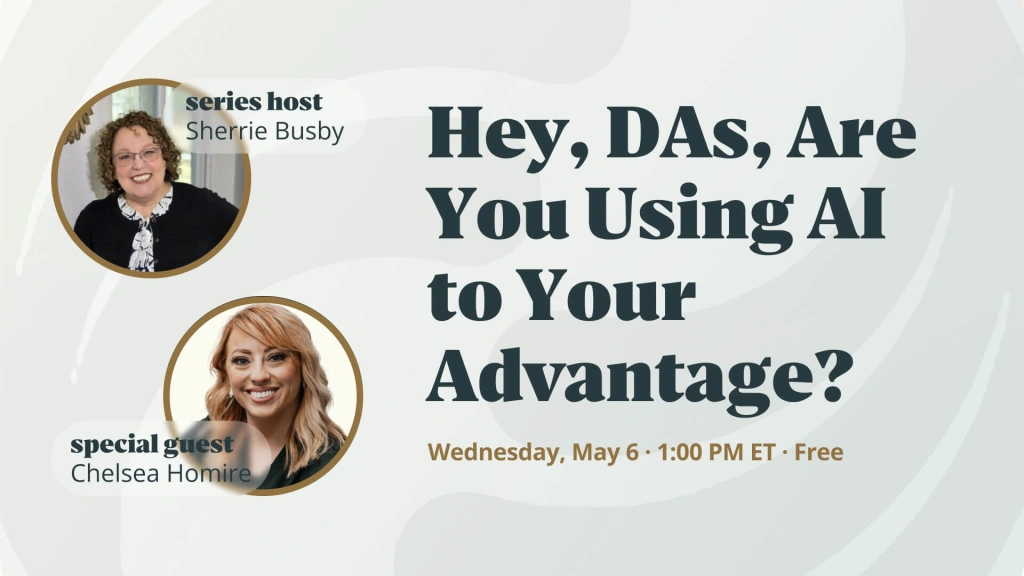
“Hey, DAs, Are You Using AI to Your Advantage?”
AI isn’t replacing dental assistants – it’s giving them their time back. Chelsea Homire walks through the AI tools she uses every week in clinical practice. Real workflows, real practice, zero hype.
Originally presented May 6, 2026 • 30 min • Webinar Replay • Complimentary
Watch the webinar replay
Course Description
AI is not replacing dental assistants – it is giving them their time back. In this 30-minute conversation, Chelsea Homire, Founder of the Digital Dental Assistant Academy, walks Sherrie Busby through practical AI tools used in clinical dental workflows.
The program covers real-world examples such as voice-to-chart documentation, patient communication drafting, clinical note-taking, and workflow efficiency. The discussion also addresses appropriate and inappropriate uses of AI in dental settings, including patient privacy, clinical accuracy, and responsible adoption.
This program is complimentary. No fee is required to register for or view the program.
Educational Objectives
Upon completion, participants will be able to:
- Identify common AI tools used by dental assistants in clinical workflows, including voice-to-chart documentation and patient communication drafting.
- Describe how AI-assisted documentation differs from traditional manual workflows and its practical implications.
- Recognize appropriate and inappropriate use cases for AI in a dental setting, including privacy and accuracy considerations.
- Apply at least two AI-based workflow techniques to reduce documentation time during a clinical day.
- Evaluate whether a given AI tool is appropriate for their own practice based on accuracy, privacy, and workflow fit.
Teaching methods

Live webinar
Structured conversation between host and subject-matter expert
Structured conversation between host and subject-matter expert

On-demand recording
Full replay available after the live program
Full replay available after the live program

Live Q&A
Real-time audience questions answered during the session
Real-time audience questions answered during the session

Session notes
Downloadable summary of the program content
Downloadable summary of the program content
Intended Audience & Prerequisites
This program is designed for dental teams, including:
-
- dental assistants
- clinical team members
- office managers
- practice owners
It is ideal for teams who want to learn practical, hands-on ways to use AI in daily dental practice workflows.
No prior experience with AI tools is required. Familiarity with general clinical documentation workflows is helpful, but not required.

About the Presenters
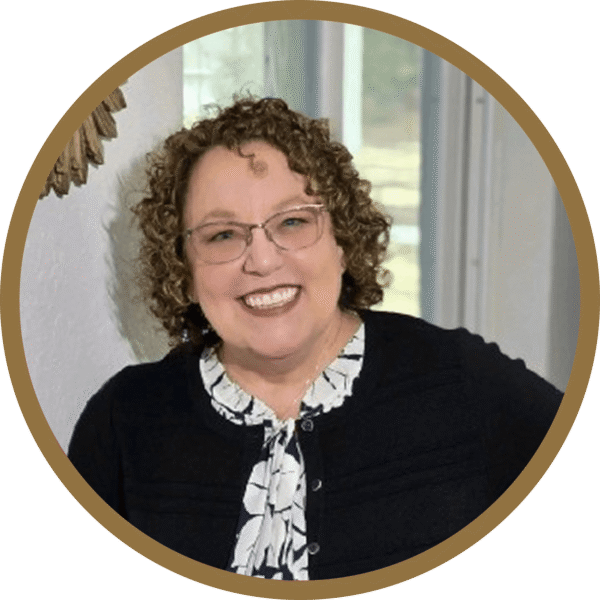 |
Sherrie Busby, EDDA, CDSO, CDIPC — HostFlorida Expanded Duties Dental Assistant; Certified Dental Specialist — OSHA (Dental Compliance Institute); Certified in Dental Infection Prevention and Control (DANB DALE & ADS / OSAP). 40+ years of clinical and educational experience in dentistry. Former DA and OSHA/Infection Control Training Developer at Heartland Dental (2014–2025), supporting training for 1,800+ dental offices.
Curriculum Developer & Webinar Host, ZenOne |
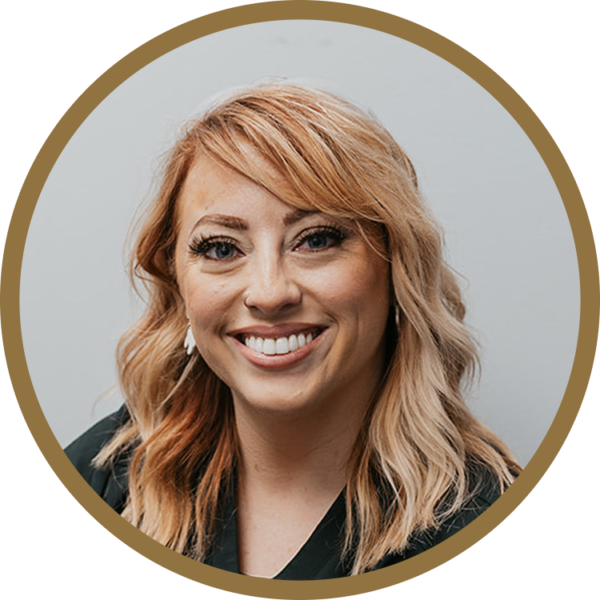 |
Chelsea Homire — Featured Subject-Matter Expert
|
Q&A from the webinar
Does the voice AI record literally everything, including stuff that’s not about the patient?
Does the voice AI record literally everything, including stuff that’s not about the patient?
No, and this is the part most assistants worry about. The AI only saves what’s medically and dentally relevant. If you talk to a coworker about your weekend, or mutter something under your breath, it doesn’t go in the chart. It keeps the full transcription on the back end, but the actual note only contains clinical content.
How does the voice-AI mic work in an open bay?
How does the voice-AI mic work in an open bay?
It actually handles open bays really well. The mic is Bluetooth to your computer and clips magnetically onto your lapel – so it’s picking up your voice up close and filtering out background chatter from other ops. You don’t need a closed room for it to work cleanly.
What scanner are you using?
What scanner are you using?
All of them, honestly – Chelsea works with Medit, AlliedStar, Trios Wireless at her company, plus two Trios 3 and two iTero scanners at her clinical practice. She also worked exclusively on Primescan for about 8 years, so she knows that one deeply too.
How would you set up AI on Primescan?
How would you set up AI on Primescan?
Chelsea recommends starting in your settings and looking specifically at the fill settings, but for a step-by-step walk-through, this is one to ask her directly. Reach out via the Digital Dental Assistant Academy and she’ll walk you through it screen-by-screen.
Does it integrate with my practice management software?
Does it integrate with my practice management software?
Yes, Overjet’s voice AI is built to integrate with Dentrix, Eaglesoft, and other major systems. You pull up the patient’s chart, hit record, leave it on for the whole appointment (whether 10 minutes or 3 hours), then hit “generate note” – it drops the SOAP-formatted note directly into the chart. You edit if needed, the doctor signs off.
Does the AI spell dental terminology correctly?
Does the AI spell dental terminology correctly?
For the most part, yes. It’s specifically trained on dental vocabulary – medications, procedures, terminology – so it spells most things right out of the box. You can also build custom templates per office (e.g., “for root canal notes, put the working length here; for implant notes, put implant info at the top”). It learns your office’s preferred format.
What’s the biggest thing holding DAs back from using AI?
What’s the biggest thing holding DAs back from using AI?
Two things, mostly.
- First, the fear that AI is “spying” – that it’ll record an offhand comment and surface it later. (It won’t – see above.)
- Second, simply not knowing where to start. Chelsea’s advice: YouTube is full of free tutorials for every major dental AI tool. Search “how to use [tool name]” and you’ll find dozens of walk-throughs in minutes.
Can I use free AI tools (like ChatGPT) for things outside of clinical?
Can I use free AI tools (like ChatGPT) for things outside of clinical?
Absolutely, and this is one of the most underused angles for DAs. You can ask ChatGPT for a mock interview, a script for asking your manager for a raise, ways to make yourself more valuable in the office, or research on salary ranges in your area. It’s there for the kinds of conversations humans get awkward about.
Key takeaways from the session

AI is a really good rough draft.
Speeds up the start. You still verify before it goes out.
Speeds up the start. You still verify before it goes out.
Privacy works both ways.
Voice AI only saves what’s medically relevant. Nothing else.
Voice AI only saves what’s medically relevant. Nothing else.
Updates matter more than you think.
Turn everything on first thing, so it’s ready when you are.
Turn everything on first thing, so it’s ready when you are.
Ask AI for the awkward stuff.
Mock interviews, raise asks, dismissal letters: the stuff humans dodge.
Mock interviews, raise asks, dismissal letters: the stuff humans dodge.
Standardization saves your butt.
Same SOAP format every time: easier reading, stronger paper trail.
Same SOAP format every time: easier reading, stronger paper trail.
Embracing it is the whole game.
Installed isn’t used. The DAs who use AI get the time, and the raises.
Installed isn’t used. The DAs who use AI get the time, and the raises.
Additional Resources
- HHS.gov – HIPAA Privacy Rule
https://www.hhs.gov/hipaa/for-professionals/privacy/ - HHS.gov – HIPAA Security Rule
https://www.hhs.gov/hipaa/for-professionals/security/ - HHS.gov – De-identification of Protected Health Information
https://www.hhs.gov/hipaa/for-professionals/special-topics/de-identification/ - ADA – Artificial Intelligence in Dentistry
https://www.ada.org/resources/practice/dental-standards/artificial-intelligence-in-dentistry - ADA News – ADA releases report on AI in dentistry
https://adanews.ada.org/ada-news/2023/february/ada-releases-report-on-ai-in-dentistry/ - Digital Dental Assistant Academy
https://theddaa.com/about/ - Session Materials: https://drive.google.com/drive/folders/1eIqLd_2g5Mn3CM7DdBT2VvxxVAwP7RTl?usp=sharing
Disclosure of Commercial Relationships
Disclosure: Specific commercial products may be referenced during the program for the purpose of illustrating workflows. The presenters discuss multiple AI tools and platforms and do not endorse any single product. The program content is educational and not promotional. Any commercial relationships of the presenters will be disclosed verbally at the start of the program. This activity is offered by ZenOne, a dental practice software company; content is delivered free of commercial bias and uses generic terminology wherever applicable.

