


Miranda Moore
RDA Lead Assistant, Beacon Dentistry

04/20/2026
8 Dental Office Efficiency Tips That Save Time and Cut Costs

~ 8 minutes to read
Dental office efficiency improves when common tasks follow clear, repeatable systems. Instead of asking employees to work faster, look for the manual steps, missing information, and unclear responsibilities that create extra work.
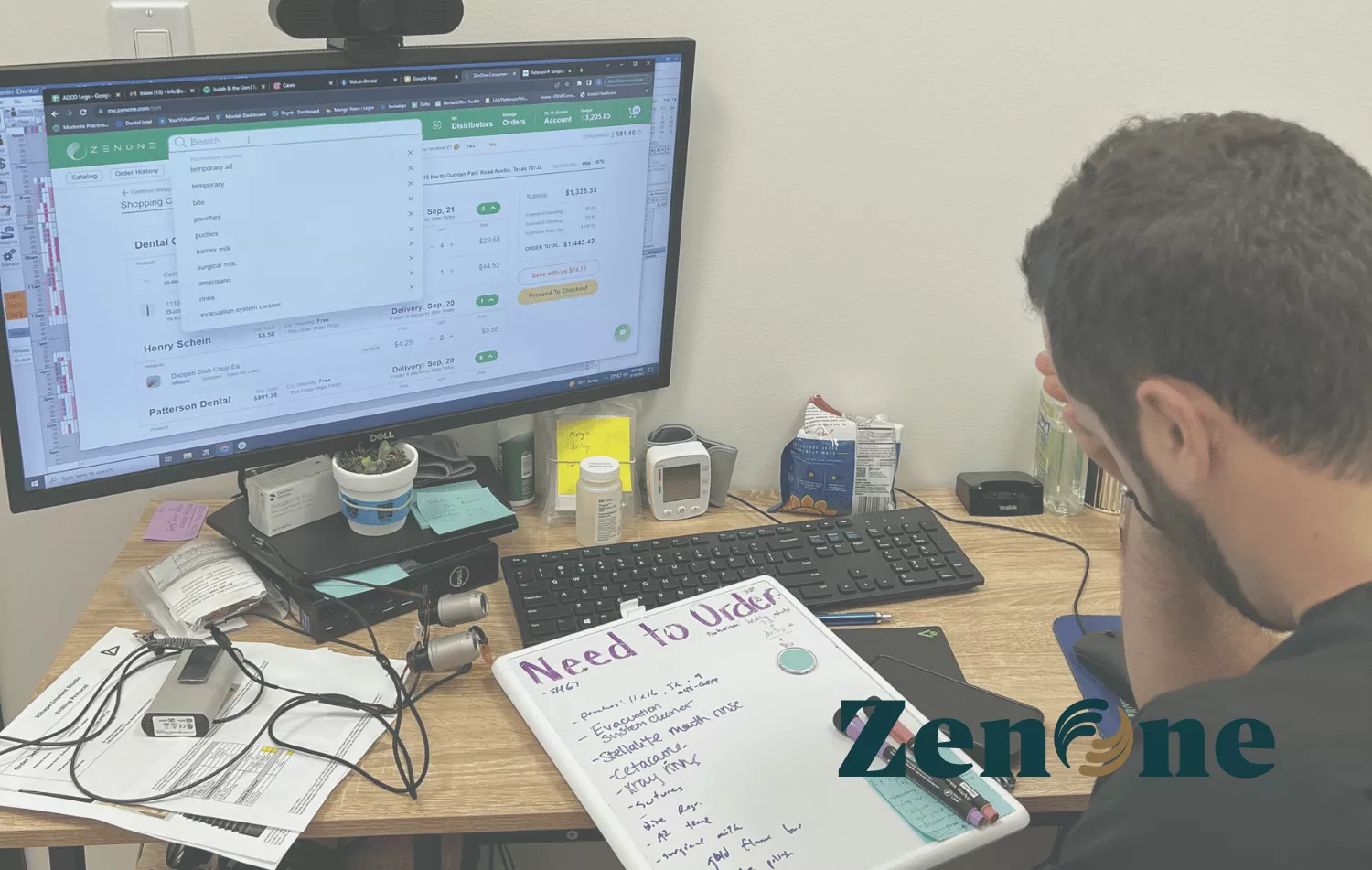
Supply management is one useful place to begin. Counting products, comparing vendors, placing orders, handling backorders, and finding missing supplies can consume time throughout the month. These tasks also affect spending, treatment-room preparation, and the practice’s ability to avoid stockouts.
The following dental office efficiency tips will help you measure the current process, assign responsibility, set inventory controls, and decide which improvements to make first.
Quick Answer: How Can a Dental Office Improve Efficiency?
A dental office can improve efficiency by standardizing frequent tasks, assigning an owner to each process, and tracking a few useful results. For supply management, that means establishing reorder points, maintaining an approved product list, setting a budget, reviewing stockouts, and using one consistent ordering process.
- Measure the current process before changing it.
- Give recurring tasks a primary owner and a trained backup.
- Use reorder points instead of memory to identify low supplies.
- Track inventory costs against collections each month.
- Review rush orders, stockouts, expired products, and duplicate purchases.
- Standardize products when clinical needs allow it.
- Compare total order costs, not just individual product prices.
- Centralize information so the process doesn’t depend on one employee.
Why Dental Office Efficiency Includes Back-Office Operations
Scheduling and treatment-room workflows are important, but they aren’t the only sources of lost time. Administrative and supply-related problems can also interrupt the day.
Common examples include:
- Searching treatment rooms and storage areas for a product.
- Logging into several vendor websites to compare prices.
- Placing an emergency order after a product runs out.
- Reordering an item that’s already stored elsewhere in the practice.
- Correcting an order placed without approval or current product information.
- Reconciling separate invoices, deliveries, and backorders.
Each interruption may seem small. Together, they can take employees away from patient care and make spending harder to control. The goal is to build a process that prevents these interruptions or makes them easier to resolve.
Tip 1: Audit Where Your Team’s Time Goes
Before changing a workflow, measure it for one normal week. Ask the employees involved to record the time spent on each supply-related task.
Track activities such as:
- Checking treatment rooms and storage areas.
- Building an order list.
- Comparing vendors and product alternatives.
- Placing and approving orders.
- Receiving products and correcting delivery problems.
- Resolving backorders, substitutions, and billing questions.
- Finding products that aren’t in their assigned locations.
Record the number of people involved as well as the time each task requires. A 20-minute problem involving three employees uses one hour of total staff time.
At the end of the week, identify the three tasks using the most time. Those tasks should be the first candidates for improvement.
Tip 2: Standardize the Supply-Ordering Process
A standard ordering process tells employees what to check, who can approve purchases, when orders are placed, and how received products are recorded. It reduces the number of decisions employees have to make during each order cycle.
Set a Reorder Point for Each Core Product
A reorder point is the quantity that triggers the next order. It should account for normal usage, supplier lead time, and a reasonable safety quantity.
Reorder point = expected use during lead time + safety stock
For example, suppose the practice uses two boxes of a product each week. The normal lead time is one week, and the practice keeps one additional box as safety stock. The reorder point would be three boxes.
Review reorder points when treatment volume, product use, packaging, or supplier lead times change. A quantity that worked six months ago may create too much or too little inventory today.
Create a Consistent Order Cycle
Choose regular days for reviewing inventory, approving purchases, and placing routine orders. Employees should still be able to report urgent needs, but most supplies should move through the normal order cycle.
Centralizing vendor information can also reduce repeated searches. Miranda Moore, an RDA and lead assistant at Beacon Dentistry, reports managing products from 10 to 15 vendors in one place and completing an order in 15 to 20 minutes. Individual results will depend on the practice, product list, and existing process. Review additional ways to manage dental supply costs.
Tip 3: Delegate Ordering With Clear Controls
Ordering doesn’t have to remain on the dentist’s task list, but delegation needs structure. The person responsible for purchasing should know what can be ordered, which substitutions are acceptable, and when approval is required.
Before delegating, document:
- The primary ordering owner and trained backup.
- The approved product and vendor list.
- Reorder points and target quantities.
- The monthly budget or spending limit.
- The purchases that require approval.
- The process for substitutions, backorders, and new-product requests.
- Where invoices, order confirmations, and delivery records are stored.
Dr. Nikki reports that her back-office managers now place the practice’s monthly order without her direct involvement, giving her roughly one working day back each month. That’s an individual customer result, but it shows what’s possible when responsibility and oversight are separated.
| Compare your current process with a centralized workflow. See how ZenOne combines supplier comparison, ordering, inventory, and budget visibility. |
Tip 4: Set a Monthly Supply Budget
A supply budget gives the ordering owner a clear boundary. It also helps the practice notice unusual spending before the pattern continues for several months.
The American Dental Association describes inventory costs of no more than 5% to 6% of collections as a rule of thumb. It also recommends having the employee responsible for inventory notify the dentist when costs approach the practice’s threshold. This isn’t a universal target for every office, so confirm how your accountant categorizes supplies, equipment, laboratory costs, and maintenance expenses. Review the ADA’s dental supply inventory-control guidance.
To calculate 6% of collections, multiply the applicable collections amount by 0.06. If the amount is $90,000, the resulting supply budget would be $5,400.
$90,000 × 0.06 = $5,400
Use the same accounting method each month so the comparison remains meaningful. The ADA’s dental practice research also provides current reports on practice billings and expenses, but your practice’s history should remain the primary baseline.
Investigate an Overage Before Cutting Purchases
Don’t react to an over-budget month by reducing every category. First identify what caused the change.
- Did treatment volume increase?
- Was expensive equipment incorrectly recorded as supplies?
- Did one product increase in price?
- Did the practice place several rush orders?
- Was too much reserve inventory purchased?
- Were duplicate products ordered?
Correct the specific cause instead of creating a shortage in an unrelated category. If the financial reports are difficult to interpret, review them with a dental accountant or a healthcare accounting firm such as Blue & Co.
Tip 5: Reduce Rush Orders and Stockouts
A rush order is often the final sign of an earlier inventory problem. The product may not have had a reorder point, the quantity may not have been updated, or an employee may not have known who was responsible for placing the order.
Review every rush order and stockout using four questions:
- What product was affected?
- Why wasn’t the shortage identified earlier?
- Did the existing reorder point or approval process fail?
- What change would prevent the same problem?
Track the number of rush orders each month. The goal isn’t to assume they can all be eliminated; supplier disruptions, product recalls, and unexpected treatment needs can still occur. The goal is to prevent avoidable emergencies caused by missing information or an inconsistent process.
For a broader inventory process, follow this guide to managing dental inventory.
Tip 6: Standardize the Product Formulary
A product formulary is the practice’s approved list of supplies. Standardizing that list can reduce duplicate products, make training easier, and simplify inventory tracking.
Review products that serve the same purpose and ask:
- Is there a clinical reason to keep each option?
- Which products are used most often?
- Which products expire before they’re used?
- Are different package sizes creating unnecessary SKUs?
- Would changing a product require additional training?
- Are there patient, safety, equipment, or regulatory reasons to preserve an alternative?
Don’t remove a product only because another option costs less. Clinical suitability, quality, compatibility, and provider requirements should remain part of the decision.
| See what the practice is buying before changing the formulary. Explore how ZenOne organizes products, pricing, orders, and spending across suppliers. |
Tip 7: Use Reports to Find Waste Patterns
Purchase reports are most useful when they help the team find a specific problem. Start with a small group of measurements instead of collecting data no one reviews.
| Metric | What It May Reveal | Possible Next Step |
|---|---|---|
| Rush orders | Missing or inaccurate reorder points | Review usage, lead time, and task ownership |
| Expired products | Overordering or lower clinical use | Lower the maximum quantity and rotate stock |
| Duplicate purchases | Products stored in several undocumented locations | Assign one primary and one reserve location |
| Price changes | Supplier increases, shipping costs, or lost discounts | Compare the complete delivered cost |
| Budget variance | Changes in volume, product mix, or categorization | Review spending by category before making cuts |
Look at order frequency and physical quantities together. A purchase report can show that a product was ordered, but it can’t confirm where the product is stored or whether the recorded quantity is correct.
When products repeatedly expire, review current usage, reorder points, package sizes, and storage practices. This dental inventory management guide explains how these controls work together.
Tip 8: Centralize Multi-Vendor Ordering
Using several suppliers can give a practice more product and pricing options. However, the process becomes inefficient when employees must search separate websites, remember multiple passwords, rebuild the same order, and review order histories stored in different systems.
A centralized ordering platform can bring supplier information into one workflow while allowing the practice to continue using its existing vendor relationships. Before selecting a platform, confirm that it supports the suppliers, products, permissions, reporting, and inventory features your team needs.
Customer experiences show how centralization can affect different roles. Dr. Jack Fan reports that his assistants now manage supplier ordering and can find an alternative when an item is unavailable. Miranda Moore reports placing orders involving products from 10 to 15 vendors in 15 to 20 minutes.
These are individual customer outcomes, not guaranteed results. Your result will depend on the size of the practice, number of products, ordering frequency, and quality of the current process. See how dental supply ordering is changing.

How to Prioritize These Dental Office Efficiency Tips
You don’t need to implement all eight tips at once. Begin with the problem creating the most interruptions, waste, or staff frustration.
| Current Problem | Start With | First Action |
|---|---|---|
| No one knows how much time ordering takes | Tip 1 | Run a one-week time audit |
| Frequent stockouts or emergency orders | Tips 2 and 5 | Set reorder points for the 20 most-used products |
| The dentist approves every routine purchase | Tip 3 | Define an ordering owner and approval limit |
| Supply spending is difficult to explain | Tips 4 and 7 | Review three months of spending by category |
| Too many duplicate products or brands | Tip 6 | Audit one high-use product category |
| Employees order through several vendor websites | Tip 8 | Document every portal and step in one order cycle |
Build a More Efficient Process Over the Next 30 Days
Choose one supply workflow and track it for a week. Document each step, assign a primary owner and backup, and introduce one change that removes repeated work or prevents a common mistake.
For the next 30 days, track:
- Time spent on inventory and ordering.
- Number of stockouts and rush orders.
- Supply spending by category.
- Expired or unused products.
- Ordering mistakes and unapproved substitutions.
Compare the results with the original process. Keep the improvements that save time or reduce errors, adjust the steps employees aren’t following, and then apply the same method to another workflow.
If multiple vendor portals, manual inventory counts, and scattered order records are slowing the team down, see how ZenOne works. You can compare its process with your current workflow before deciding whether a centralized platform fits the practice.
| Ready to test a centralized ordering process? Connect your suppliers, compare prices, organize inventory, and see whether ZenOne can reduce the work behind each order. Book a Demo. |
FAQ
What is the fastest dental office efficiency improvement?
What is the fastest dental office efficiency improvement?
Consolidating vendors onto one ordering platform typically delivers the fastest time savings. Most practices cut their ordering time by 70 to 85 percent in the first month by eliminating multi-portal management.
How do you measure dental office efficiency?
How do you measure dental office efficiency?
Track these four metrics monthly: hours spent on supply-related tasks, number of rush orders, supply spend as a percentage of collections, and stockout frequency. Consistent improvement across all four indicates your systems are working.
What is a healthy supply cost percentage for a dental practice?
What is a healthy supply cost percentage for a dental practice?
The benchmark is 5 to 7 percent of monthly collections. Above 8 percent almost always signals a process problem rather than a pricing problem.
Does operational efficiency help with staff retention?
Does operational efficiency help with staff retention?
Yes. Less operational chaos means more predictable workdays for your team. Staff who are not constantly firefighting supply shortages or spending hours on administrative tasks report higher job satisfaction and are less likely to leave.
Join 1400+ dental professionals, shop from your favorite
suppliers, compare prices instantly, and save over $17,000/year
Try our platform free for 14 days.
Get the latest ZenOne updates and product launches in your inbox
Don't miss the latest news!
Receive exclusive offers and news straight to your inbox!
Continue reading
10/02/2026
~ 7 minutes to read
09/23/2026
~ 7 minutes to read

09/11/2026
~ 7 minutes to read
Let's discover how we can help you

Tiger Safarov
Hi, I'm Tiger, the CEO at ZenOne, and I'm happy to personally ensure your success with ZenOne. Send me your latest invoice or a statement for a Free Savings Analysis.
Ask me a question:

